

This feature enables the CCAI Platform portal to work with your mobile or web SDKs User ID/unique ID as a session variable for tracking or content personalization. When the variable is included in the Automatic Redirect to website option, the User ID value is dynamically inserted into the URL.
Example use cases:
Show order details for a specific user with Mobile or Web queues
Present your users with product offerings based on their locations by directing to a specialized web page based on user ID
Mobile FAQ page landing can be personalized to show the right page for the user's membership tier based on the User ID
Feature details
If mobile or Web SDK passes User ID/identifier to CCAI Platform portal, it can be inserted as a session variable into your manual deflection webpage or FAQ link
From the CCAI Platform portal ccaas_portal, an administrator can add "@@USER_ID@@" into the URL in Manual Deflection to Webpage field under Mobile or Web queues to dynamically retrieve and insert User ID
From the CCAI Platform portal, an CCAI Platform portal can add "@@USER_ID@@" into the URL for Mobile FAQ to dynamically retrieve and insert UID
Automatic redirect
Go to Settings > Queue > Mobile OR Web.
Click the queue you want to redirect to a URL.
Click to show Automatic Redirect options, then click Website.
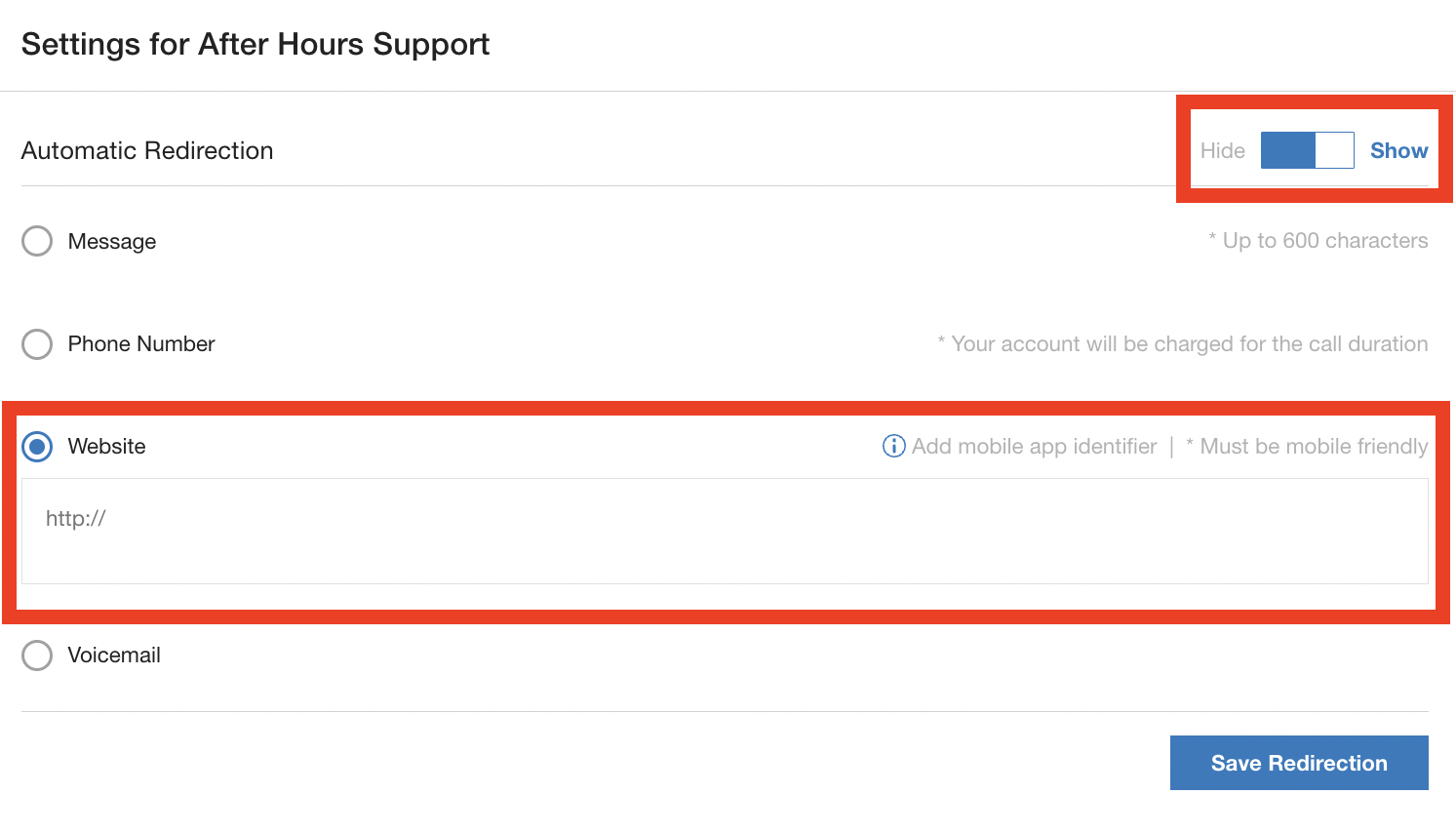
Enter the mobile-friendly website and add the User ID identifier as a session variable to the URL by including "@@USER_ID@@" in the URL for tracking or content personalization purposes.
Mobile FAQ
When enabled, Mobile FAQ lets you show a webpage while remaining in the app, with an option of showing a phone number as well on the screen. To enable contact support,
Go to Settings > Operation Management.
Navigate to the Mobile: Display FAQ section and insert @@USER_ID@@ into the URL where needed.
Click Set FAQ.
Session variable output
The User ID variable format inserts the user ID value only.
For the example "https://www.domain.com?uid=@@USER_ID@@," If user_ID value is '12345' for a given session, the rendered URL would be: https://www.domain.com?uid=12345.