


有了 Vertex AI 中的 Gemini 和 Imagen,應用程式開發人員就能使用 Google 最先進的圖像生成式 AI 功能。應用程式開發人員可以運用 Vertex AI 上的 Gemini 和 Imagen,建構新一代 AI 產品,借助 AI 生成功能,在幾秒內將使用者的想像轉化為高品質的視覺素材。
Gemini 和 Imagen 可協助您完成下列工作:
- 僅使用文字提示詞生成新穎圖像 (文字轉圖像 AI 生成)。
- 使用您定義的遮罩區域,編輯或擴展上傳或生成的圖像。
- 放大現有、生成或編輯過的圖片。
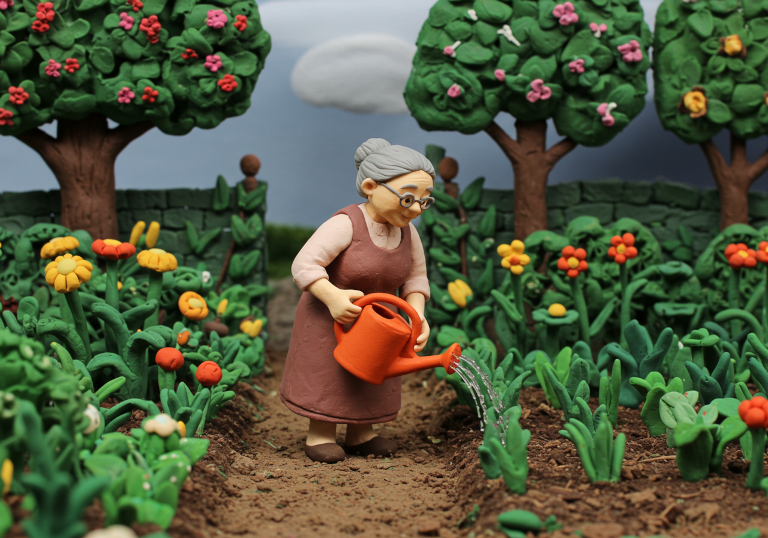
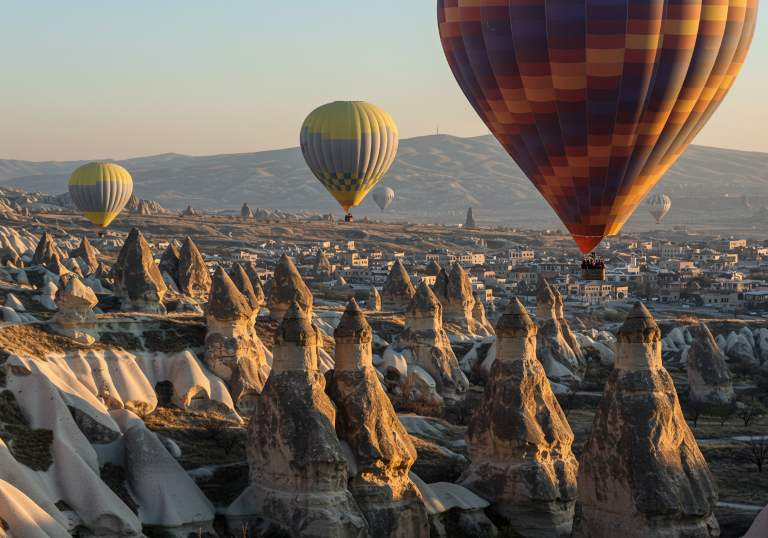


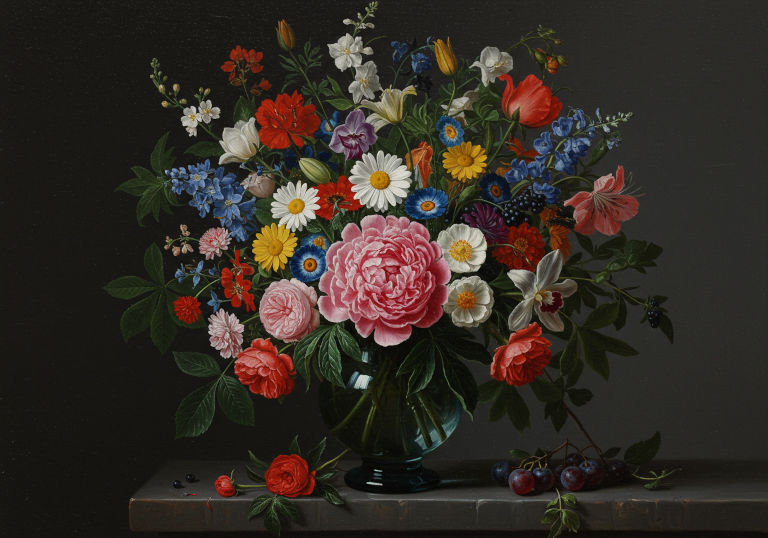
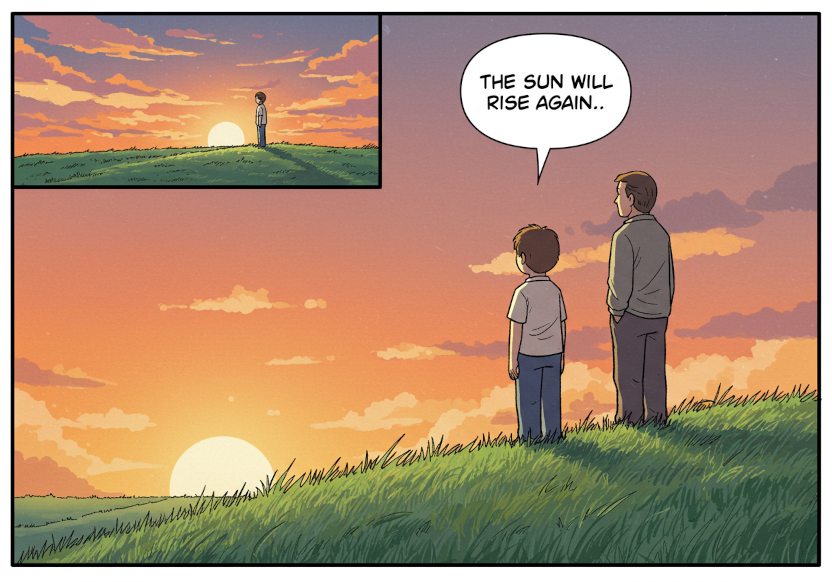
前一張圖片的提示
這些圖片是使用一般 Imagen 3 圖像生成模型 (imagen-3.0-generate-002) 和下列提示生成:
- 黏土動畫場景。年長女性的中景廣角鏡頭。她穿著飄逸的服裝,她站在綠意盎然的花園中,用橘色灑水壺澆花
- 此圖像採用數位單眼相機拍攝,並使用偏光濾鏡。一張相片,呈現土耳其卡帕多奇亞獨特岩層上方的兩個熱氣球。這些氣球的色彩和圖案與下方大地色調的景觀形成美麗對比。這張相片捕捉了享受這類體驗時的冒險感。
- 一個飽經風霜的木製機甲機器人,身上覆蓋著開花的藤蔓,平靜地站在一片高大的野花田中,一隻藍色小鳥停在它伸出的手上。數位卡通,暖色調和柔和線條。後方聳立著高聳懸崖和瀑布。
- 畫面顯示一隻手拿著小小的鳥類黏土模型,另一隻手則拿著塑形工具,正在雕塑模型。你可以看到雕塑家的圍巾。雙手沾滿黏土粉塵。微距 DSLR 圖片,凸顯紋理和工藝。
- 桌上有個老舊的藍色玻璃花瓶,裡面插著一大束色彩繽紛的花朵。前方有一朵美麗的牡丹花,周圍環繞著玫瑰、百合、雛菊、蘭花、水果、莓果、綠葉等各種花朵。背景為深灰色。荷蘭黃金時代風格的油畫。
- 單一漫畫格:男孩和父親坐在草地上,凝視著日落。男孩的嘴巴指向一個對話泡泡,上面寫著:太陽會再次升起。柔和、1990 年代後期的著色風格
快速入門導覽課程:使用 Imagen 透過文字提示詞生成圖像
您只需輸入描述性文字,即可生成新穎的圖像。下列範例說明生成圖像的簡化案例,但您可以使用其他參數,根據需求自訂生成的圖像。
- 登入 Google Cloud 帳戶。如果您是 Google Cloud新手,歡迎 建立帳戶,親自體驗產品的實際應用成效。新客戶還能獲得價值 $300 美元的免費抵免額,用於執行、測試及部署工作負載。
-
In the Google Cloud console, on the project selector page, select or create a Google Cloud project.
Roles required to select or create a project
- Select a project: Selecting a project doesn't require a specific IAM role—you can select any project that you've been granted a role on.
-
Create a project: To create a project, you need the Project Creator role
(
roles/resourcemanager.projectCreator), which contains theresourcemanager.projects.createpermission. Learn how to grant roles.
-
Verify that billing is enabled for your Google Cloud project.
Enable the Vertex AI API, if it is not already enabled.
Roles required to enable APIs
To enable APIs, you need the
serviceusage.services.enablepermission. If you created the project, then you likely already have this permission through the Owner role (roles/owner). Otherwise, you can get this permission through the Service Usage Admin role (roles/serviceusage.serviceUsageAdmin). Learn how to grant roles.-
In the Google Cloud console, on the project selector page, select or create a Google Cloud project.
Roles required to select or create a project
- Select a project: Selecting a project doesn't require a specific IAM role—you can select any project that you've been granted a role on.
-
Create a project: To create a project, you need the Project Creator role
(
roles/resourcemanager.projectCreator), which contains theresourcemanager.projects.createpermission. Learn how to grant roles.
-
Verify that billing is enabled for your Google Cloud project.
Enable the Vertex AI API, if it is not already enabled.
Roles required to enable APIs
To enable APIs, you need the
serviceusage.services.enablepermission. If you created the project, then you likely already have this permission through the Owner role (roles/owner). Otherwise, you can get this permission through the Service Usage Admin role (roles/serviceusage.serviceUsageAdmin). Learn how to grant roles.-
為環境設定驗證機制。
如要在本機開發環境中使用本頁的 REST API 範例,請使用您提供給 gcloud CLI 的憑證。
安裝 Google Cloud CLI。
如果您使用外部識別資訊提供者 (IdP),請先 使用聯合身分登入 gcloud CLI。
詳情請參閱 Google Cloud 驗證說明文件中的「使用 REST 進行驗證」。
-
請使用下列範例生成圖片:
REST
-
設定環境變數:
export GOOGLE_CLOUD_PROJECT=GOOGLE_CLOUD_PROJECT # Replace with your Google Cloud project
export GOOGLE_CLOUD_LOCATION=us-central1 # Replace with the appropriate location for your project
-
執行以下指令:
curl -X POST \
-H "Authorization: Bearer $(gcloud auth print-access-token)" \
-H "Content-Type: application/json; charset=utf-8" \
"https://${GOOGLE_CLOUD_LOCATION}-aiplatform.googleapis.com/v1/projects/${GOOGLE_CLOUD_PROJECT}/locations/${GOOGLE_CLOUD_LOCATION}/publishers/google/models/imagen-4.0-generate-preview-05-20:predict" -d \
$'{
  "instances": [
    {
      "prompt": "a cat reading a book"
    }
  ],
  "parameters": {
    "sampleCount": 1
  }
}'
模型會傳回 base64 圖片位元組物件。
詳情請參閱「Imagen 生成圖片 API」。
-
何時該使用 Vertex AI 的 Gemini 或 Imagen
除了使用 Gemini 內建的圖像生成功能,你也可以存取專門的圖像生成模型 Imagen。
| 屬性 | Gemini Image | Imagen 4 |
|---|---|---|
| 優勢 | 預設建議。 無與倫比的彈性、情境理解能力,以及免遮罩編輯功能。獨家支援多輪對話式編輯。 |
最佳品質/延遲時間 |
| 可用性 | 正式發布版 | 正式發布版 |
| 延遲時間 | 較高。需要更多運算資源才能發揮進階功能。 | 低。針對近乎即時的效能進行最佳化。 |
| 費用 | 以權杖為基礎的定價。 | 適合處理特定工作,具備成本效益。 |
| 建議工作 |
|
|
建議您先使用 Gemini 生成圖像。 如果需要最佳圖片品質,或用於進階用途,請選擇 Imagen 4 Ultra。
模型版本
你可以使用多種圖像生成模型。詳情請參閱「Gemini 模型」或「Imagen 模型」。
試用更多範例
如需使用 Imagen 的完整 Jupyter 筆記本教學課程清單,請參閱 Vertex AI 的生成式 AI 教戰手冊。
後續步驟
請使用下列連結查看功能說明文件。

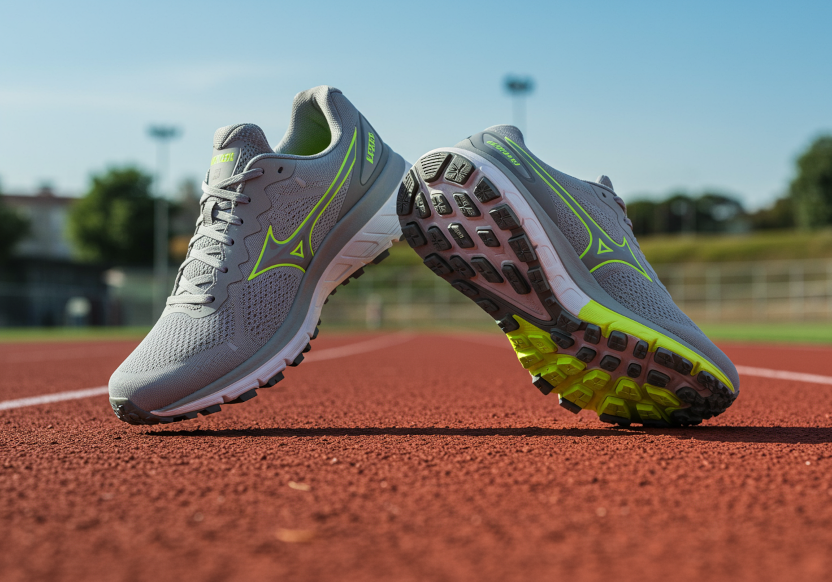

圖片來源:所有圖片均使用 Vertex AI 的 Imagen 生成。