

コピーしたデータをファイナライズする
ファイナライズとは、アプライアンスを Google に発送できるように準備することです。復号鍵が削除されるため、アプライアンスが Google に到着するまでデータがアクセス不能になります。復号鍵が削除されると、以前にコピーしたすべてのデータを削除しない限り、アプライアンスに追加のデータをコピーすることはできません。
コピーされたデータをファイナライズするには、次の手順に従います。
ta finalizeコマンドを実行します。プロンプトが表示されたらシールのパスワードを入力し、出力で返されたパスコードをメモします。ta finalize
次のレスポンスのサンプルは、返される出力に似ています。
Finalizing prepares the appliance for shipping by removing the decryption
key, making the data inaccessible until it reaches Google. Appliance local
storage will be removed during this process. Once finalized, there is no way
to access your data or add more data without deleting everything on the drive.

Are you ready to finalize the appliance and ship it back to Google? (y/n) y

Please enter the seal password to finalize the appliance:
Unmounted data partition and disabled automount.
Finalize step is complete.

This passcode must be used to get a return shipping label: NNNN
Enter the passcode returned by the 'ta finalize' command in the form
included in the email titled Google Transfer Appliance Return Instructions
sent by the Transfer Appliance Team.
If you forget your passcode, run 'ta status' to display it again.
Transfer Appliance チームから送信された「Google Transfer Appliance Return Instructions」のフォームに
ta finalizeコマンドで返されたパスコードを入力します。パスコードを再度表示するには、
ta statusを実行します。Transfer Appliance チームは、指定されたパスコードと引き換えに Transfer Appliance の配送ラベルを返信します。
発送ラベルを受け取ったら、アプライアンスの電源を切り、すべてのケーブルを外します。
アプライアンスを梱包して返却する
データを Transfer Appliance に転送し、ファイナライズした後、アプライアンスを発送用に準備します。この準備には、配送ラベルの印刷と貼付、アプライアンスのケーブルの収集、アプライアンスの梱包、アプライアンスを返送する運送業者への連絡などが含まれます。
輸送ケースは、Transfer Appliance が届けられたケースを使用します。
アプライアンスを返送するには、次の手順を行います。
ラックマウント型 TA40 および TA300
コピーしたデータの確定の一環として、Transfer Appliance チームから送信された配送ラベルを印刷します。
輸送ケースのケーブル用の仕切り部に、次のケーブルを収容します。
項目 説明 
NEMA 5-15P to C13 電源ケーブル(1.8 m / 5.91 フィート) 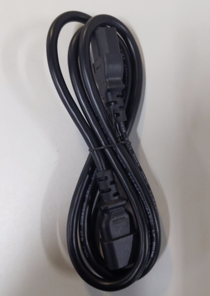
C14 to C13 電源ケーブル(電源タップ(PDU)への接続用)(1.5 m / 4.92 フィート) 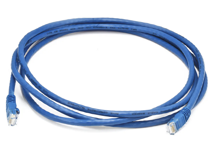
CAT 6 ネットワーク ケーブル(2.1 m / 6.89 フィート) 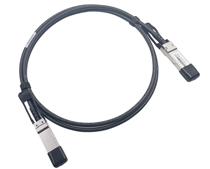
TA300 V2 および TA40 V2: QSFP28 Twinax 銅線ネットワーク ケーブル 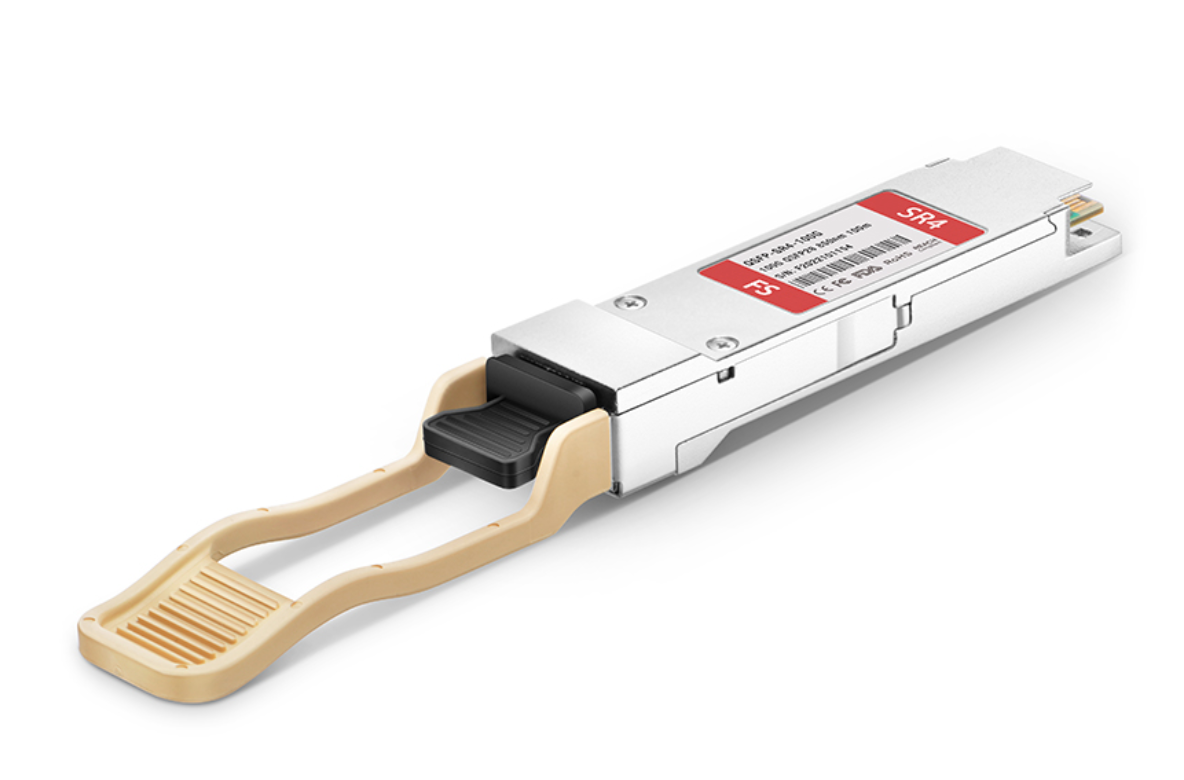
TA300 V2 および TA40 V2: QSFP28 - SFP28 アダプター 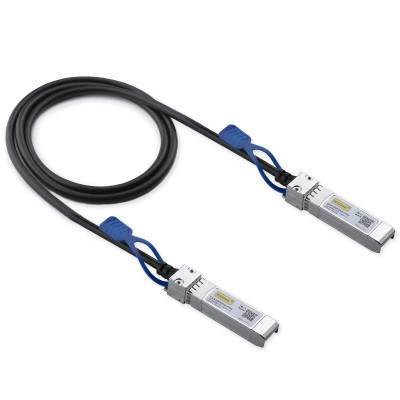
TA300 V2 および TA40 V2: SFP28 - SFP28 ネットワーク ケーブル 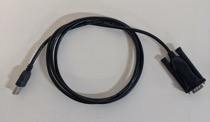
USB to Serial 変換ケーブル – Transfer Appliance チームから指示があった場合にのみ使用 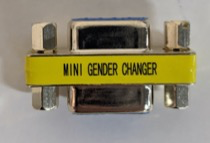
Pin to Socket シリアル アダプター 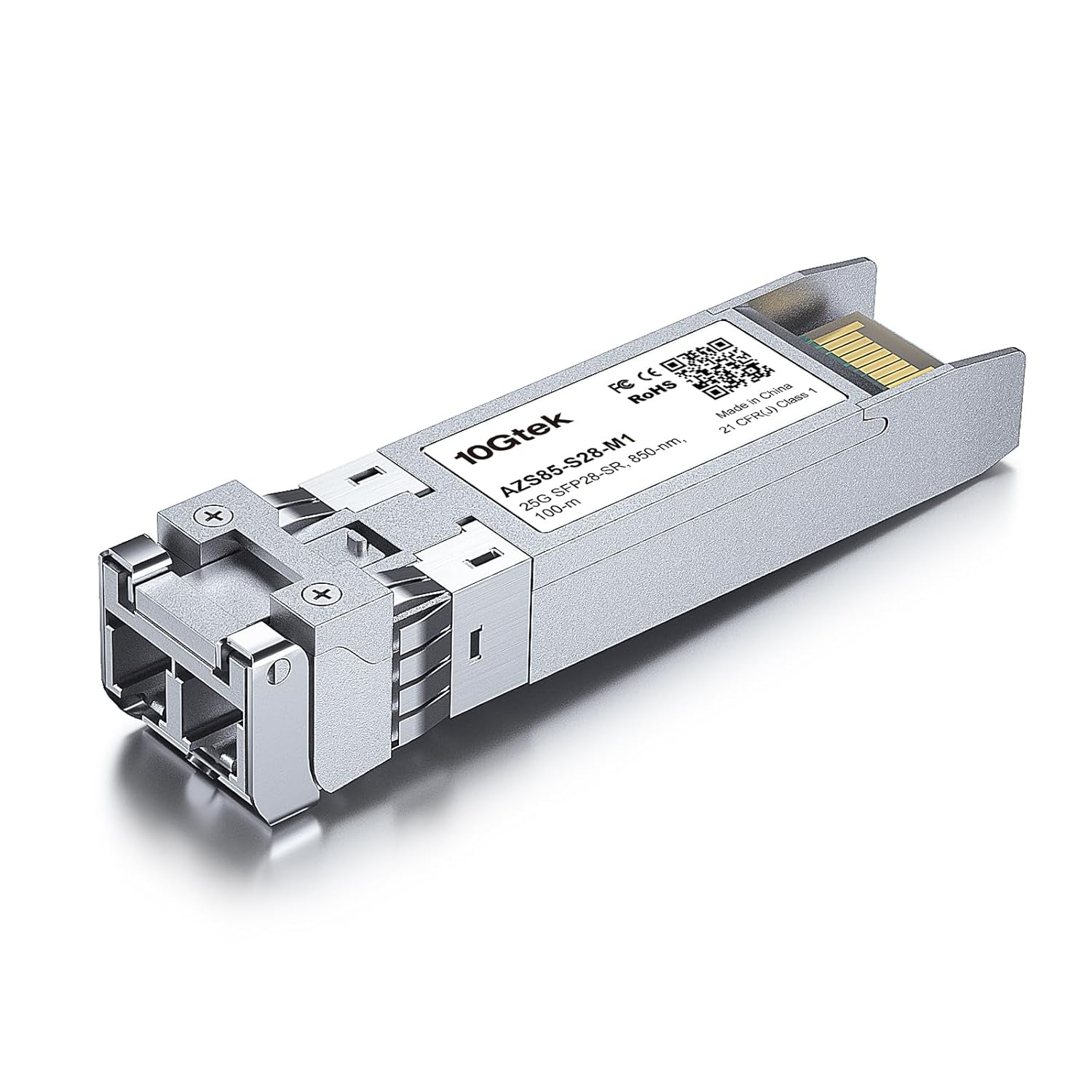
TA40 V2: SFP28 - RJ45 トランシーバ Transfer Appliance を輸送ケースに収容します。
輸送ケースの蓋を閉じ、ラッチを固定します。
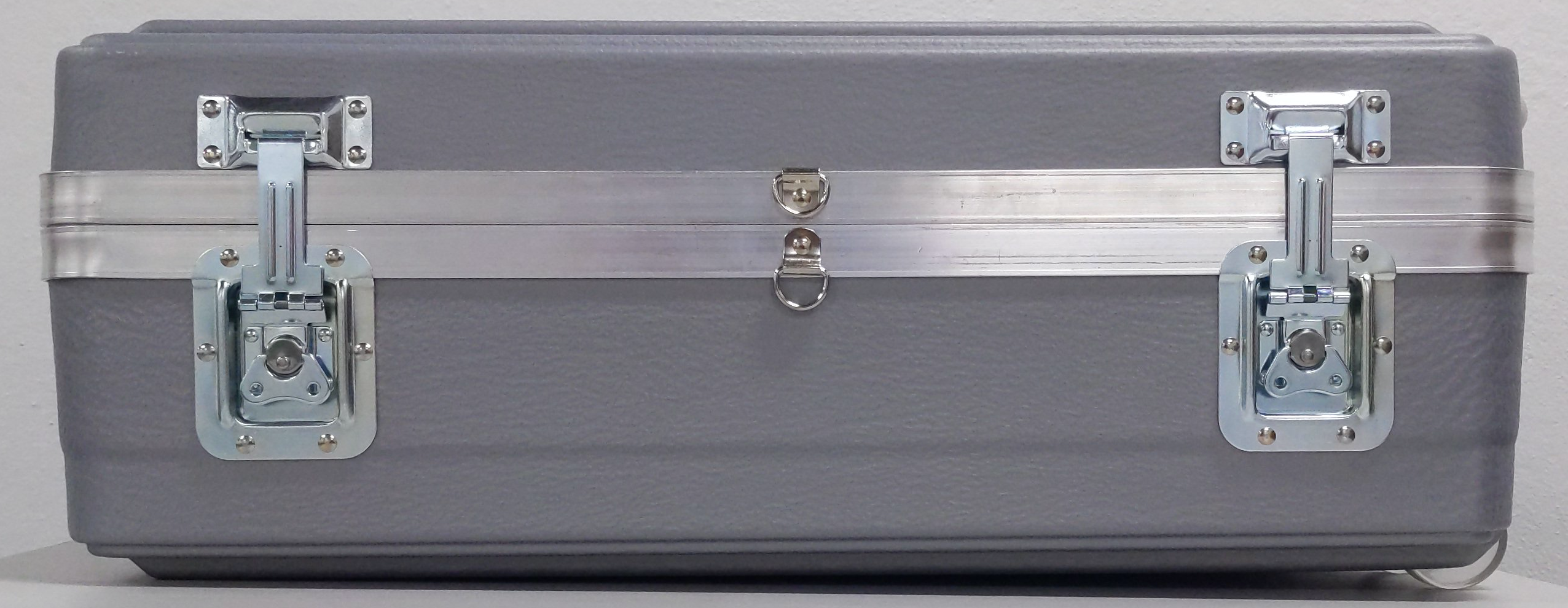
以下の手順に沿って、輸送ケースを改ざん防止ワイヤータグで保護します。
輸送ケースの D リングに沿って改ざん防止ワイヤータグを挿入します。
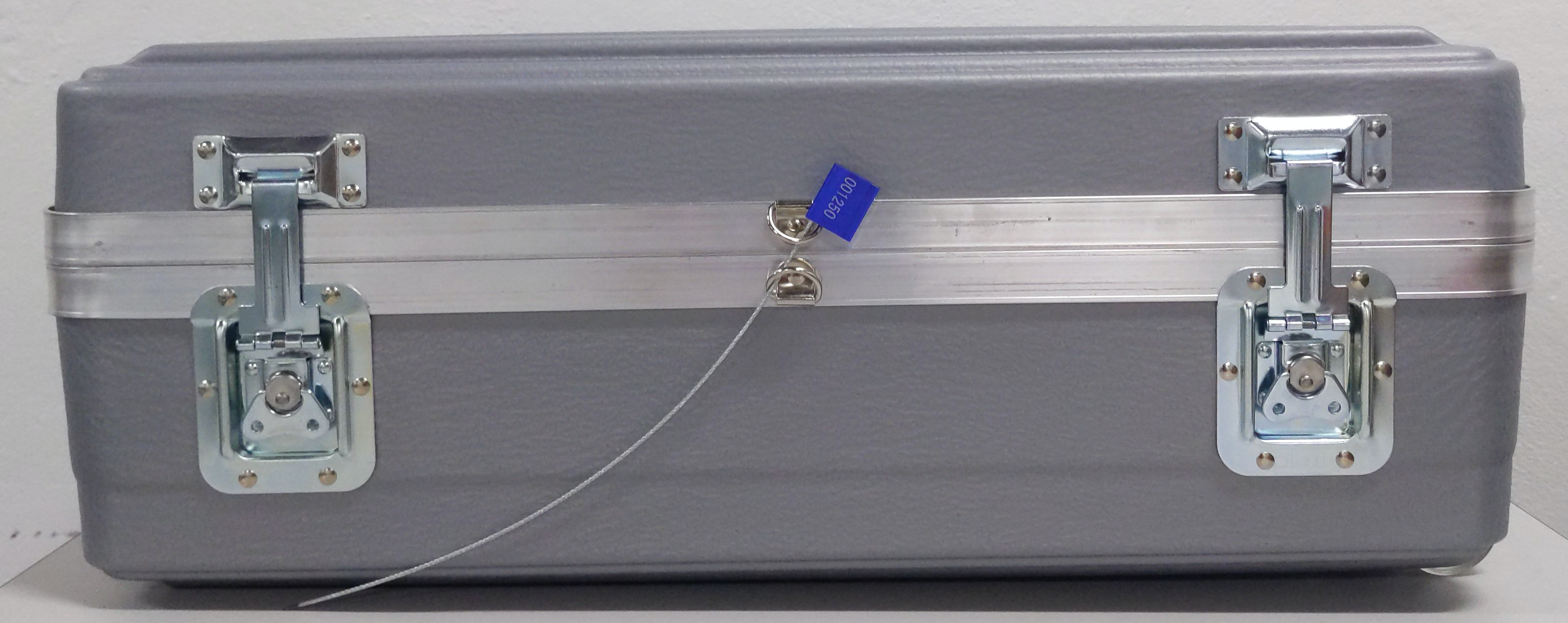
ワイヤーの端を錠に挿入します。
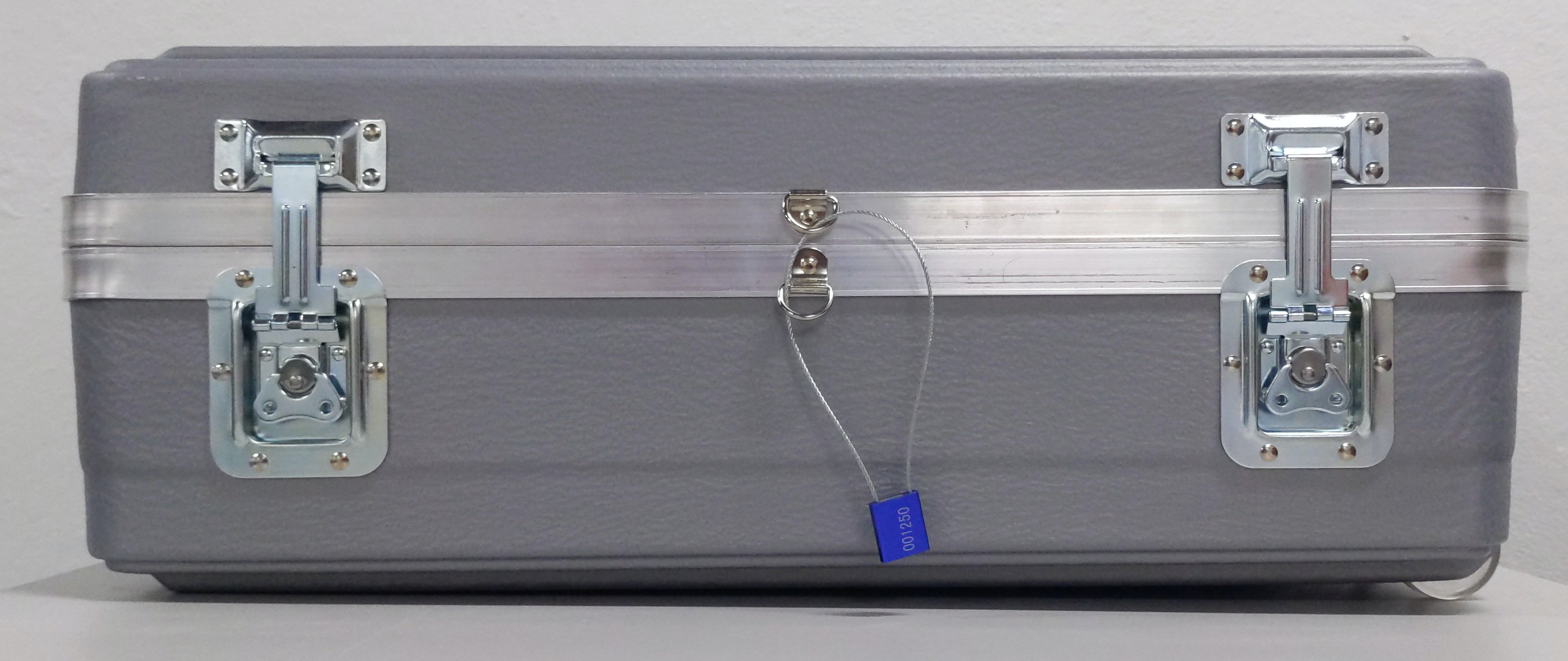
D リングが固定されるまで、タグ錠を通して改ざん検出タグを引きます。
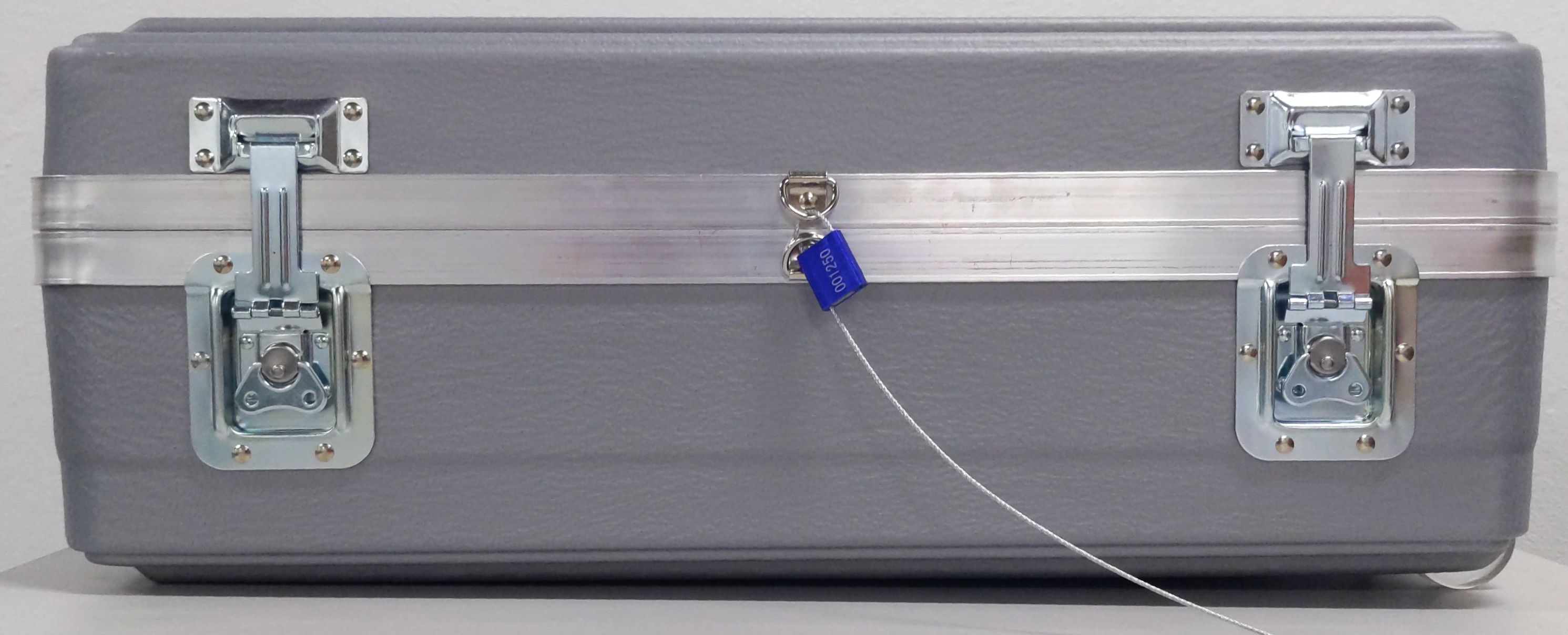
荷札を使用して、配送ラベルパウチをケースに付けます。
パウチに返送用のラベルを挿入します。返送先住所とバーコードが見えることを確認します。
必要に応じて、配送業者に連絡して集荷のスケジュールを設定します。
独立型 TA40 および TA300
コピーしたデータの確定の一環として、Transfer Appliance チームから送信された配送ラベルを印刷します。
輸送ケースのケーブル用の仕切り部に、次のケーブルを収容します。
項目 説明 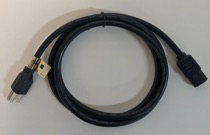
NEMA 5-15P to C13 電源ケーブル 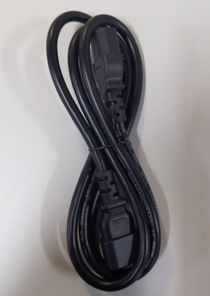
C14 to C13 電源ケーブル(電源タップ(PDU)への接続用) 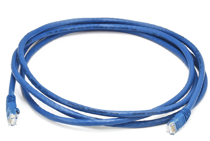
カテゴリ 6(CAT6)ネットワーク ケーブル 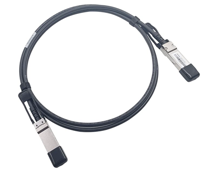
QSFP+ Twinax 銅線ネットワーク ケーブル 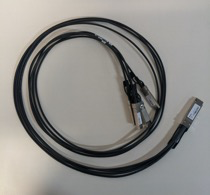
QSFP to 4xSFP+ ネットワーク ケーブル 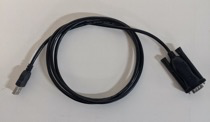
USB to Serial 変換ケーブル – Transfer Appliance チームから指示があった場合にのみ使用 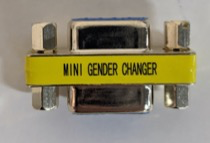
Pin to Socket シリアル アダプター 輸送ケースの蓋を閉じ、ラッチを固定します。
改ざん防止ワイヤータグで輸送ケースを保護します。
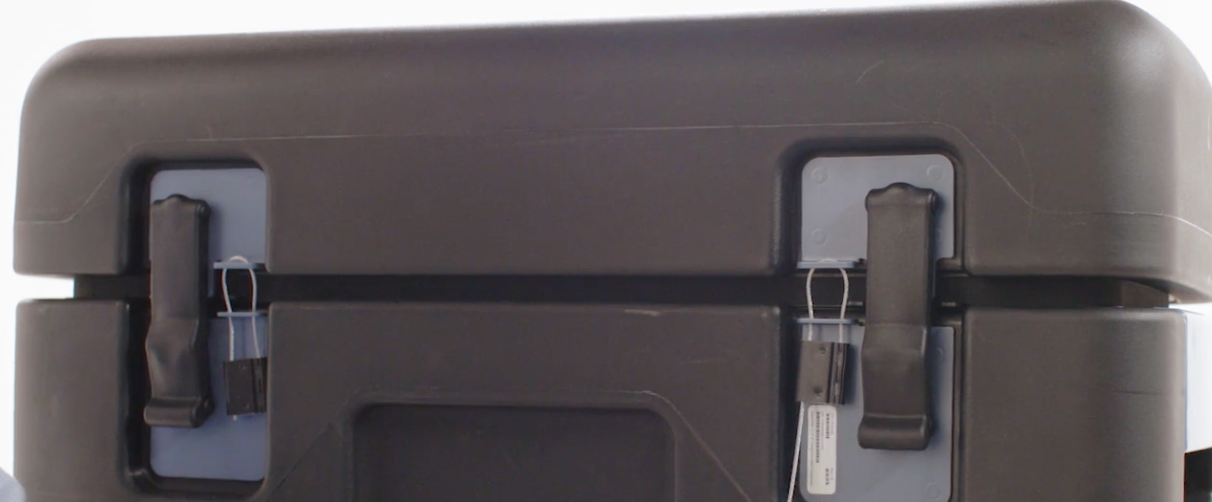
荷札を使用して、配送ラベルパウチをケースに付けます。
パウチに返送用のラベルを挿入します。返送先住所とバーコードが見えることを確認します。
必要に応じて、配送業者に連絡して集荷のスケジュールを設定します。