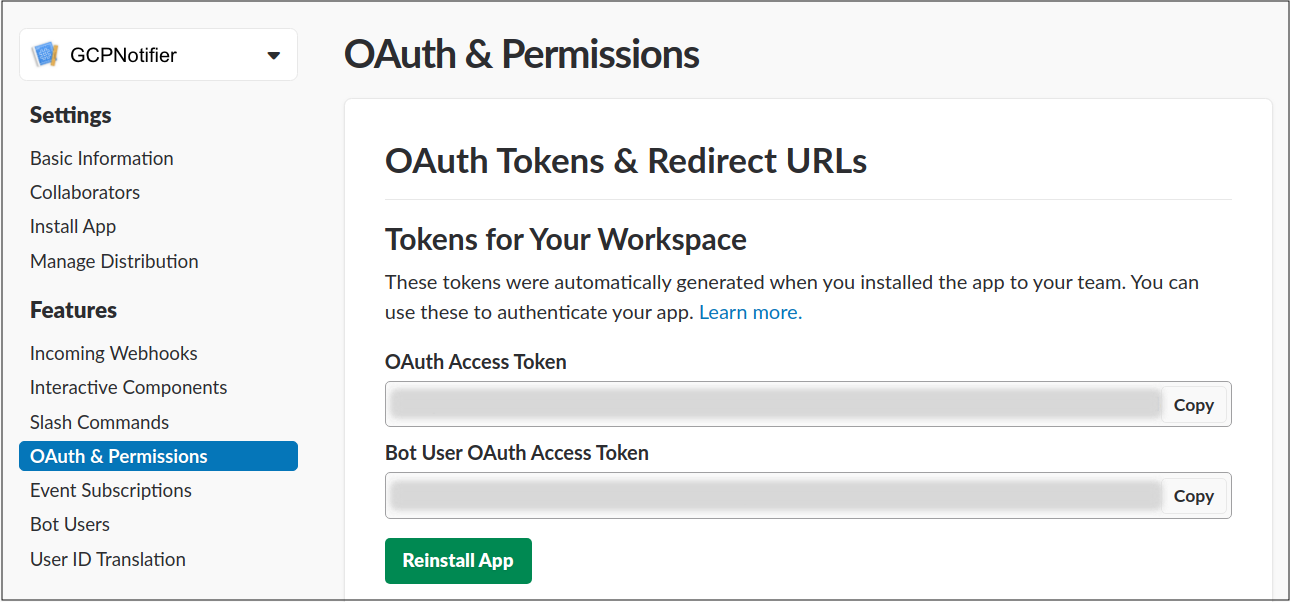
將下列程式碼複製到 Cloud Run 函式,使用 Slack API 將預算通知張貼至 Slack 即時通訊頻道:
Node.js
const{WebClient}=require('@slack/web-api');// TODO(developer) replace these with your own valuesconstBOT_ACCESS_TOKEN=process.env.BOT_ACCESS_TOKEN||'xxxx-111111111111-abcdefghidklmnopq';constCHANNEL=process.env.SLACK_CHANNEL||'general';constslackClient=newWebClient(BOT_ACCESS_TOKEN);exports.notifySlack=asyncpubsubEvent=>{constpubsubAttrs=pubsubEvent.attributes;constpubsubData=Buffer.from(pubsubEvent.data,'base64').toString();constbudgetNotificationText=`${JSON.stringify(pubsubAttrs)}, ${pubsubData}`;awaitslackClient.chat.postMessage({channel:CHANNEL,text:budgetNotificationText,});return'Slack notification sent successfully';};
Python
importbase64importjsonimportosimportslackfromslack.errorsimportSlackApiError# See https://api.slack.com/docs/token-types#bot for more infoBOT_ACCESS_TOKEN="xxxx-111111111111-abcdefghidklmnopq"CHANNEL="C0XXXXXX"slack_client=slack.WebClient(token=BOT_ACCESS_TOKEN)defnotify_slack(data,context):pubsub_message=data# For more information, see# https://cloud.google.com/billing/docs/how-to/budgets-programmatic-notifications#notification_formattry:notification_attr=json.dumps(pubsub_message["attributes"])exceptKeyError:notification_attr="No attributes passed in"try:notification_data=base64.b64decode(data["data"]).decode("utf-8")exceptKeyError:notification_data="No data passed in"# This is just a quick dump of the budget data (or an empty string)# You can modify and format the message to meet your needsbudget_notification_text=f"{notification_attr}, {notification_data}"try:slack_client.api_call("chat.postMessage",json={"channel":CHANNEL,"text":budget_notification_text},)exceptSlackApiError:print("Error posting to Slack")