在通过 Network Connectivity Center hub 的虚拟机实例之间进行测试
使用集合让一切井井有条
根据您的偏好保存内容并对其进行分类。
本页面介绍了测试从通过 Network Connectivity Center hub 连接的来源虚拟机到目标虚拟机的连接的场景。
如果两个 VPC 网络通过 Network Connectivity Center hub 连接,则有两种测试连接的场景:
在通过 Network Connectivity Center hub 的虚拟机之间进行测试。
在通过 Network Connectivity Center hub 到达其他项目的虚拟机之间进行测试。
Trace diagrams on this page use the symbols described in the following legend.
Symbol
Name
Meaning
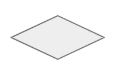
Gray diamond
Checkpoint
A decision point where Connectivity Tests checks a
configuration and decides whether a trace packet is to be forwarded,
delivered, or dropped.
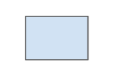
Blue rectangle
Hop
A step in the forwarding path for a trace packet, representing a
Google Cloud resource that forwards a packet to the next hop in a
VPC network—for example, to a Cloud Load Balancing proxy
or to a Cloud VPN tunnel.
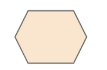
Orange hexagon
Endpoint
The source or destination of a trace packet.
在通过 Network Connectivity Center hub 的虚拟机之间进行测试
在此场景中,Connectivity Tests 会通过 Network Connectivity Center hub 跟踪从一个虚拟机到另一个虚拟机的模拟数据包。您有权访问来源网络、目标网络和 Network Connectivity Center hub 所在的项目配置。您需要在来源网络中指定来源 IP 地址。如果将其分配给虚拟机实例,则跟踪记录从该实例开始。否则,它会从网络开始并检查网络级配置。或者,您也可以提供目标虚拟机实例 IP 地址,而不是 URI。
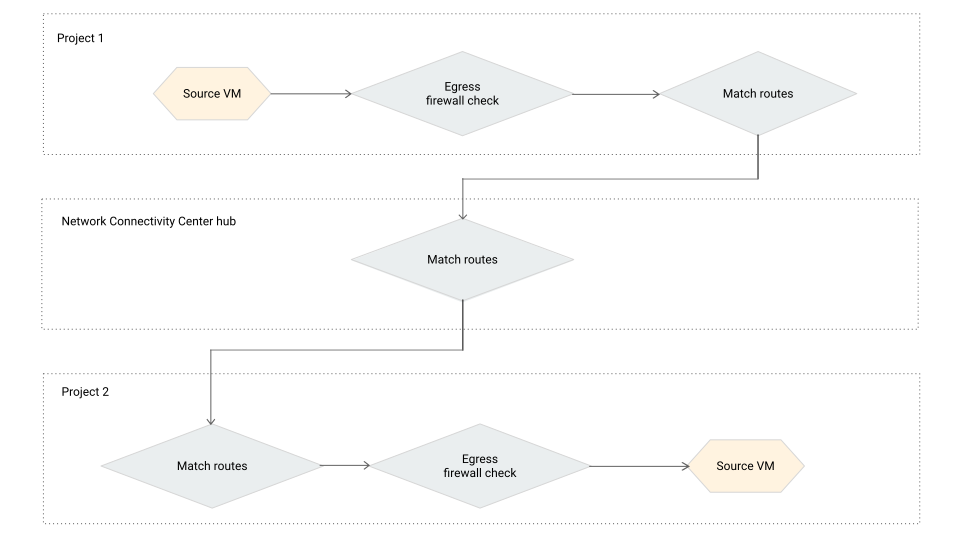
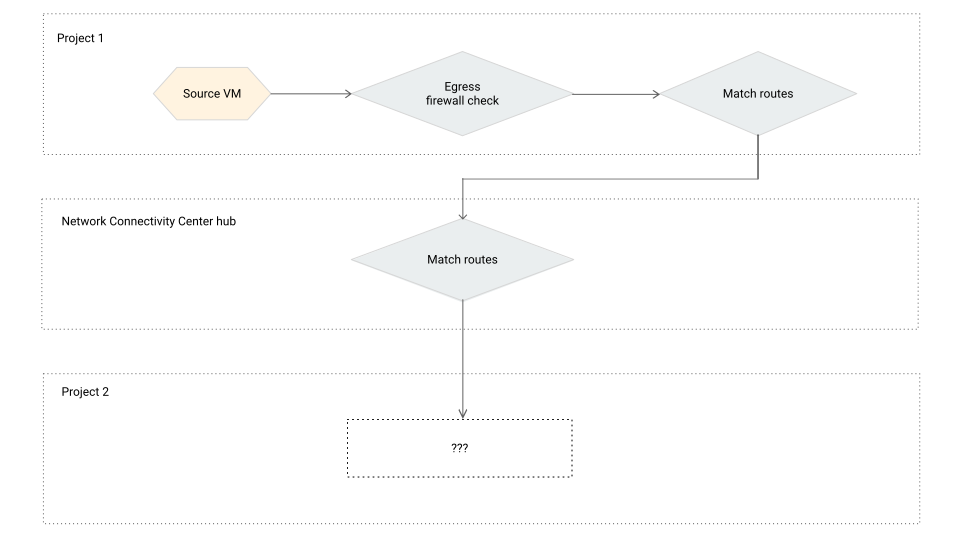
下图展示了通过 Network Connectivity Center hub 的两个虚拟机实例之间的典型跟踪记录路径。
通过 Network Connectivity Center hub 的虚拟机之间的跟踪记录(点击可放大)。